
Every tribute deserves careful follow-through.
Payment, card proofreading, recorded delivery progress and photos emailed after dispatch—all through one private order link.
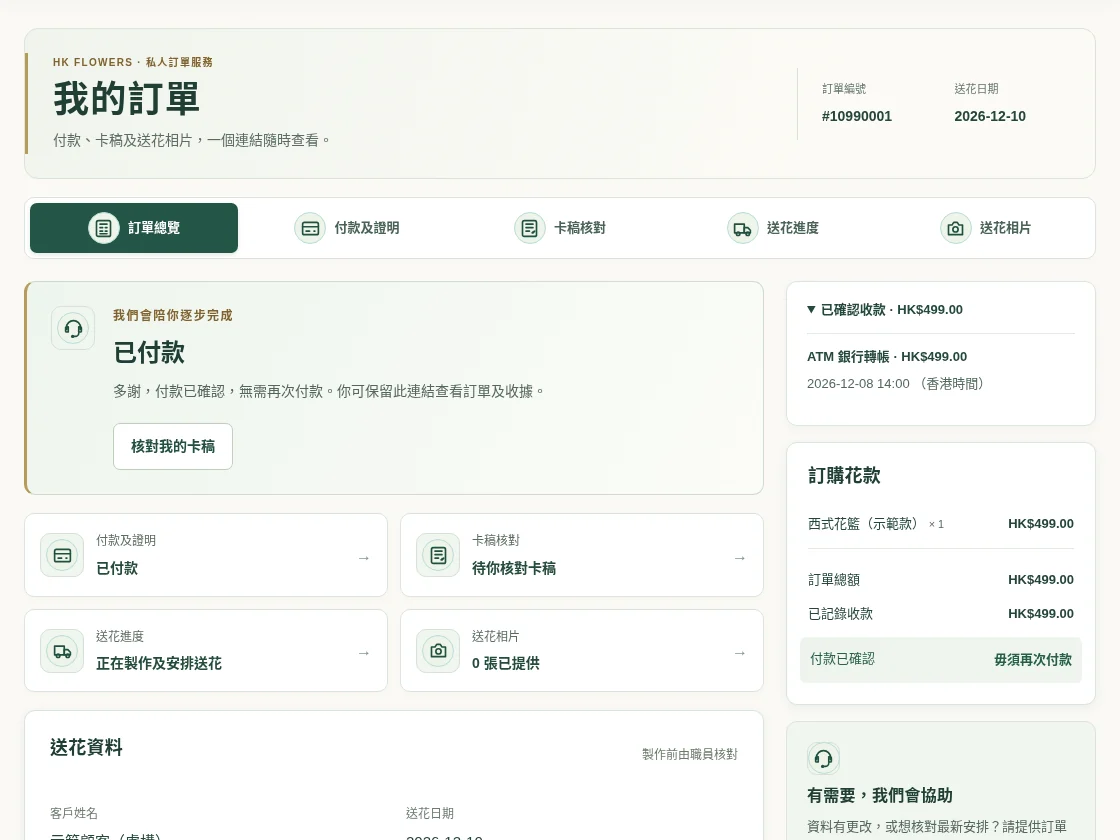
Keep your order link. We will help with the details.
Our staff follow up using your order information and contact you by phone or WhatsApp during office hours when details need checking.
From checking the details to arranging delivery.
Explore the My Order features below. These screenshots use fictional demonstration data, never a real customer order.
What you ordered, and where it is going.
Review the order number, flowers, amount, delivery date and venue together, making it easier to check with your family.
- Keep the private link; no separate account required
- Quote your order number when asking staff to update details
Your private link provides access to order information. Share it only with people handling the order.
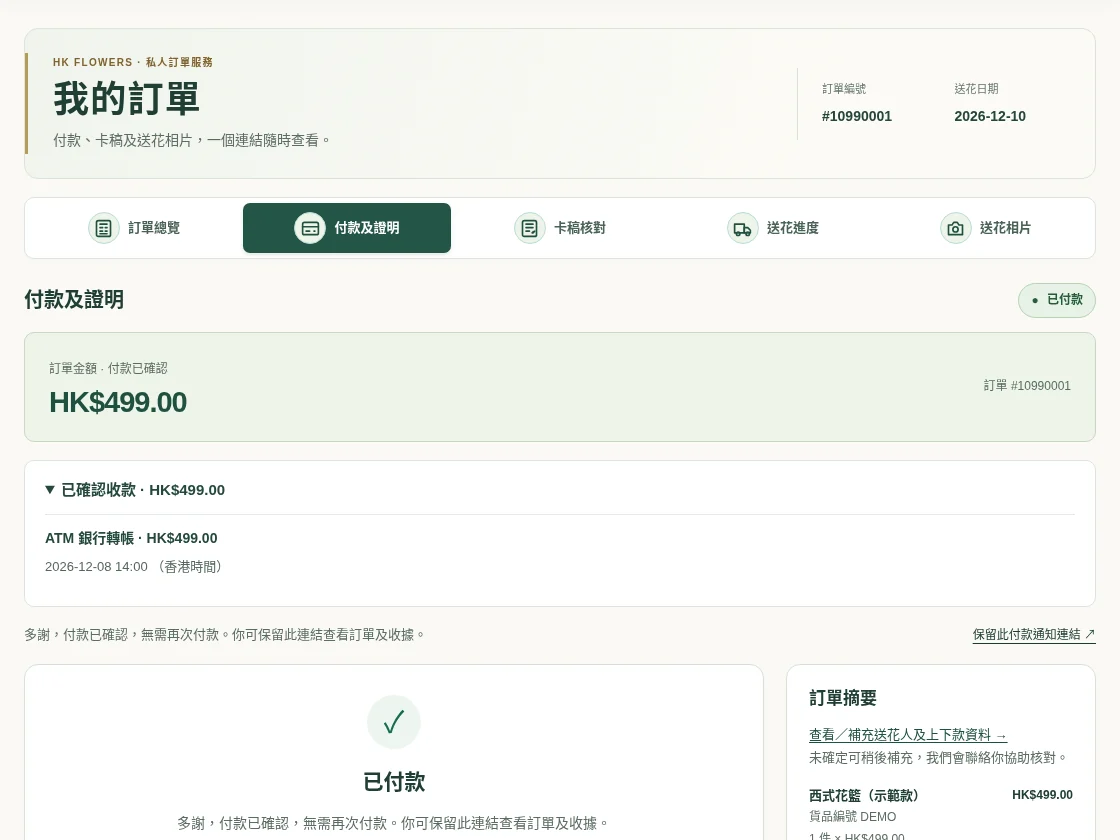
Clear instructions. Recorded payment status.
Return to the payment page for the outstanding amount, instructions and recorded receipts. Upload proof after an applicable bank transfer.
- Follow the payment instructions or pay an outstanding balance
- Uploading proof does not confirm receipt of payment
Payment status depends on system or staff verification. Contact us before paying again if an update is pending.
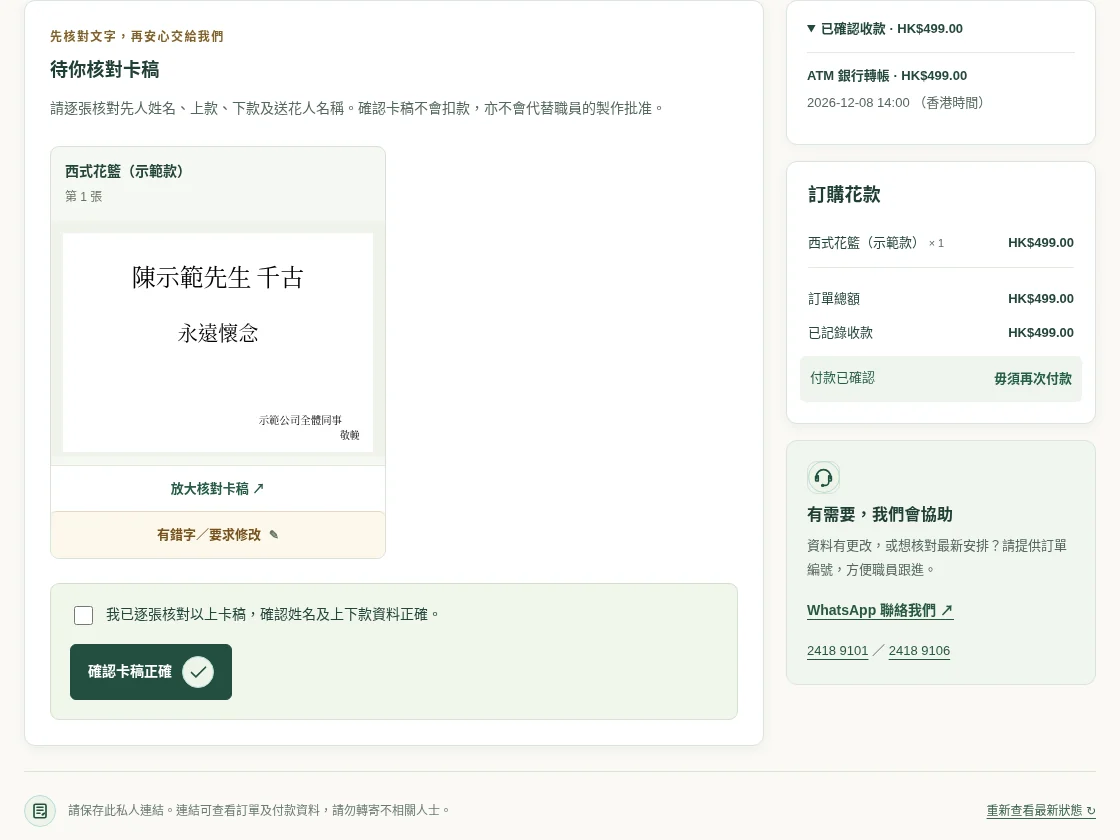
One more careful check before printing.
When a card is ready and available to view, enlarge it to check the deceased’s name, senders, memorial phrase and signature. Request corrections on the relevant card.
- Check each flower’s card individually
- Leave a correction request for staff to review
Confirming the wording does not charge you or replace staff production approval.
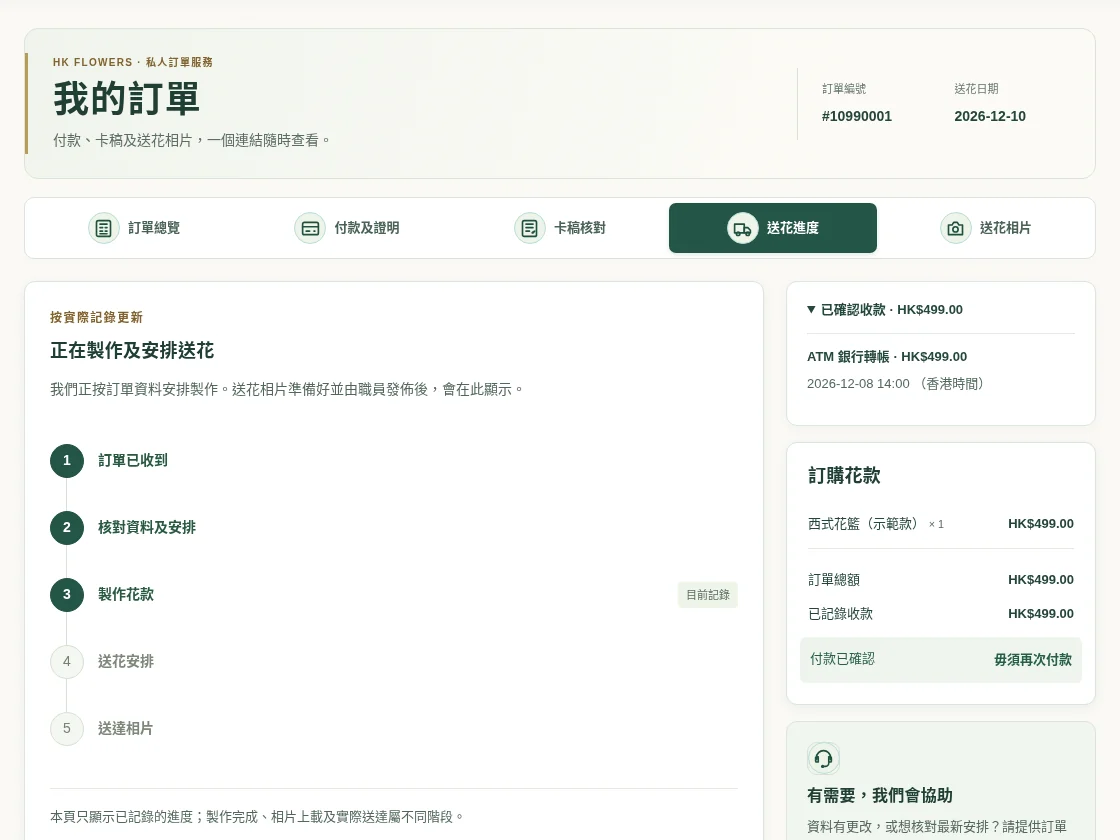
See the arrangements recorded so far.
View the recorded checking, preparation and delivery stages. Ask staff about any arrival time not shown.
- Progress reflects recorded order updates
- Preparation, delivery arrangements and delivery photos are separate stages
This is an order progress record, not live GPS tracking. Unrecorded stages are not confirmed.
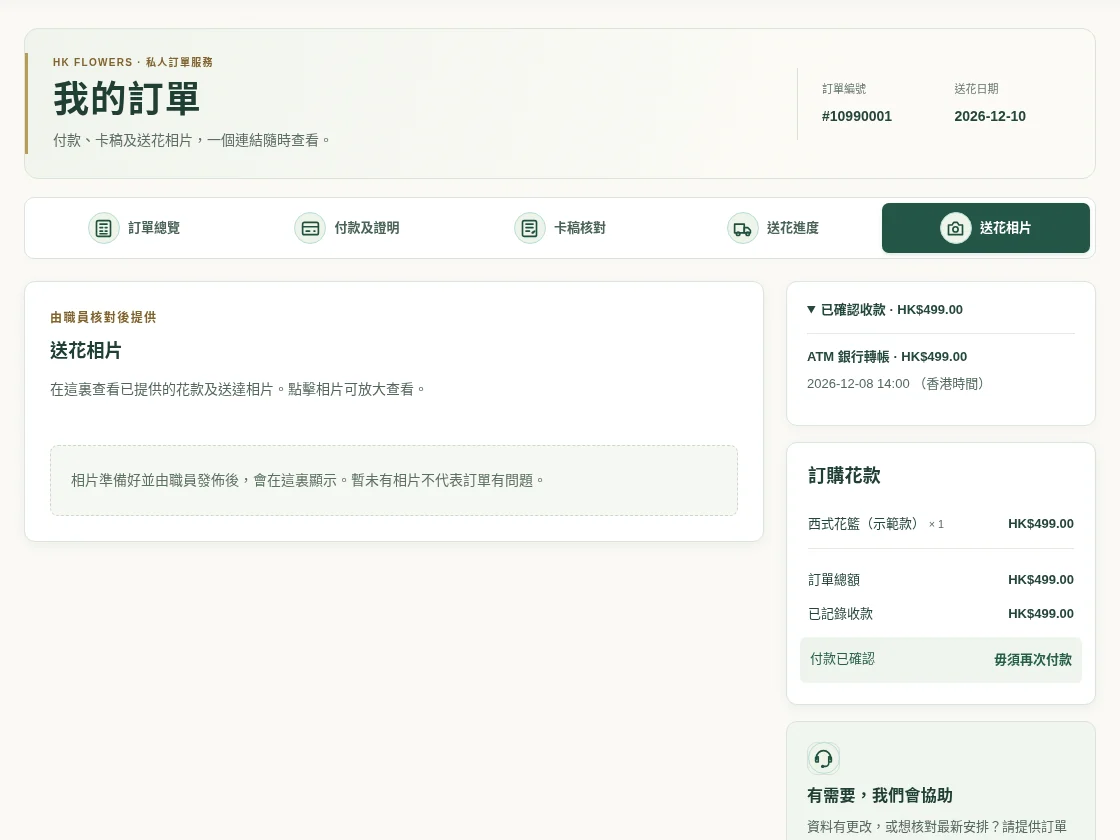
Flower photos, for peace of mind.
We will email you photos of the flowers after they have been dispatched. Photos uploaded and released by staff are also available on your private order page.
- Available to view once staff have uploaded and released them
- Enlarge photographs that have been made available
We will email you photos of the flowers after they have been dispatched. No customer photographs appear in this demonstration.
The card deserves a second look.
Each name, title and signature carries your sentiments. Check the card for each flower and ask us about any corrections.
Explore card wording ↗Questions? Our team can help.
Our full-time customer support staff follow up on order details. Quote your order number when asking about payment, wording or delivery.
Before you order
How do I return to my order?
Keep the private link in your order confirmation or payment notice. If you lose it, enter your order number and the phone or email used when ordering on the order-status page to request instructions to the registered order email.
Does uploading proof confirm payment?
No. Staff must check the bank deposit or relevant payment record. Refer to the verified payment status shown on your order page.
Can I request a card correction?
Yes. Cards available to view include a correction request. Specify the text to change. If production has started or delivery is close, also contact staff directly to confirm whether a change is possible.
When can I see delivery photos?
We will email you photos of the flowers after they have been dispatched. If photos are not yet visible on your private order page, please check your email or contact our staff.
Careful arrangements for a meaningful tribute.
Choose your flowers first. Missing details can be provided later with our help.